Is philips hue compatible with tuya
A clear look at how Philips Hue and Tuya ecosystems interact, and what compromises or workarounds exist.
Philips Hue and Tuya sit on overlapping but separate smart home ecosystems. If you’re hoping for flawless, native cross‑brand control between Hue fixtures and Tuya devices, you’ll likely hit some limits. Here’s a practical breakdown of compatibility, what to expect, and how you can achieve smoother operation in the real world.
Direct compatibility by out-of-the-box support
| Item | Hue to Tuya out-of-the-box | Tuya to Hue out-of-the-box | Cross-brand bridge support | Typical limitations |
|---|---|---|---|---|
| Hue bridge required | No | No | Yes via bridges | Limited device pairing |
| Direct device pairing | Some Hue devices only | Some Tuya devices only | Rare | Vendor locks |
| App support | Hue app limited | Tuya app limited | Third-party apps possible | Feature gaps |
| Voice assistant control | Limited cross-brand | Limited cross-brand | Bridge required | Inconsistent scenes |
| Scene/Automation | Hue scenes may not sync | Tuya scenes may not sync | Shared hubs help | Limited triggers |
| Firmware updates | Hue updates via Hue app | Tuya updates via Tuya app | Firmware via hubs | Update timing varies |
Compiled November 2026; check the provider's site for current details.
How Philips Hue and Tuya devices work
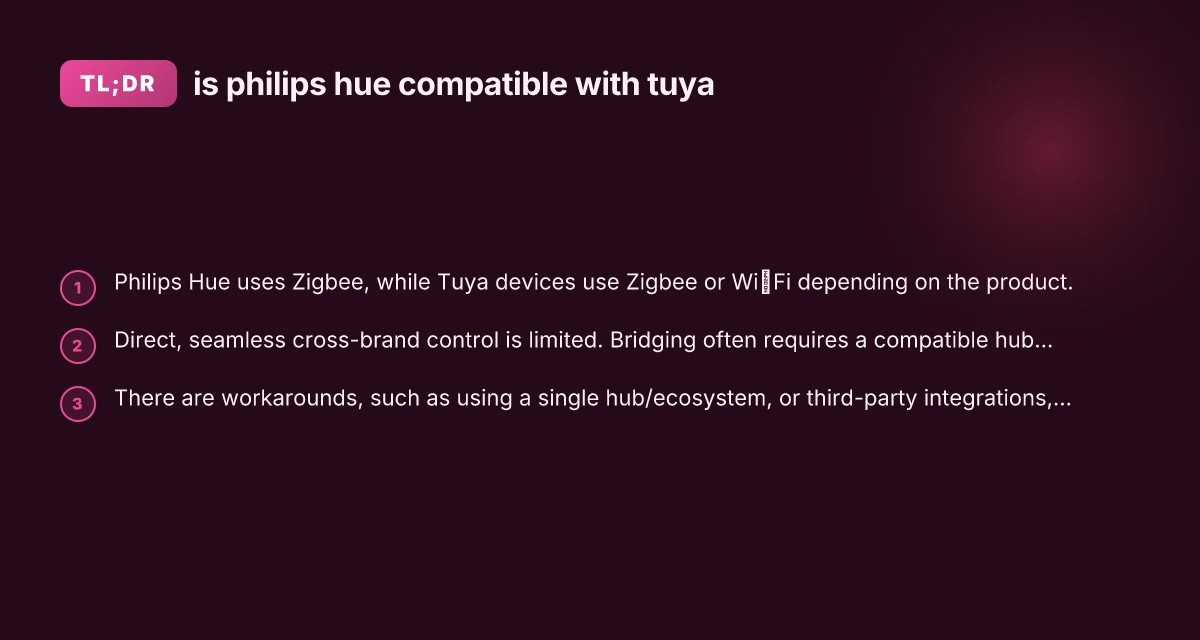
- Philips Hue generally operates through its own bridge (Hue Bridge) and follows Zigbee standards (Hue uses Zigbee Light Link / Zigbee 3.0 in newer devices).
- Tuya devices span several technologies, most notably Zigbee for some products and Wi‑Fi or Bluetooth for others. Tuya hubs and gateways often interpret or translate commands for a variety of sensors, lights, and smart plugs.
- Because both ecosystems can use Zigbee, there can be some level of overlap, but the underlying controllers, pairing procedures, and device profiles are not always guaranteed to be compatible across brands.
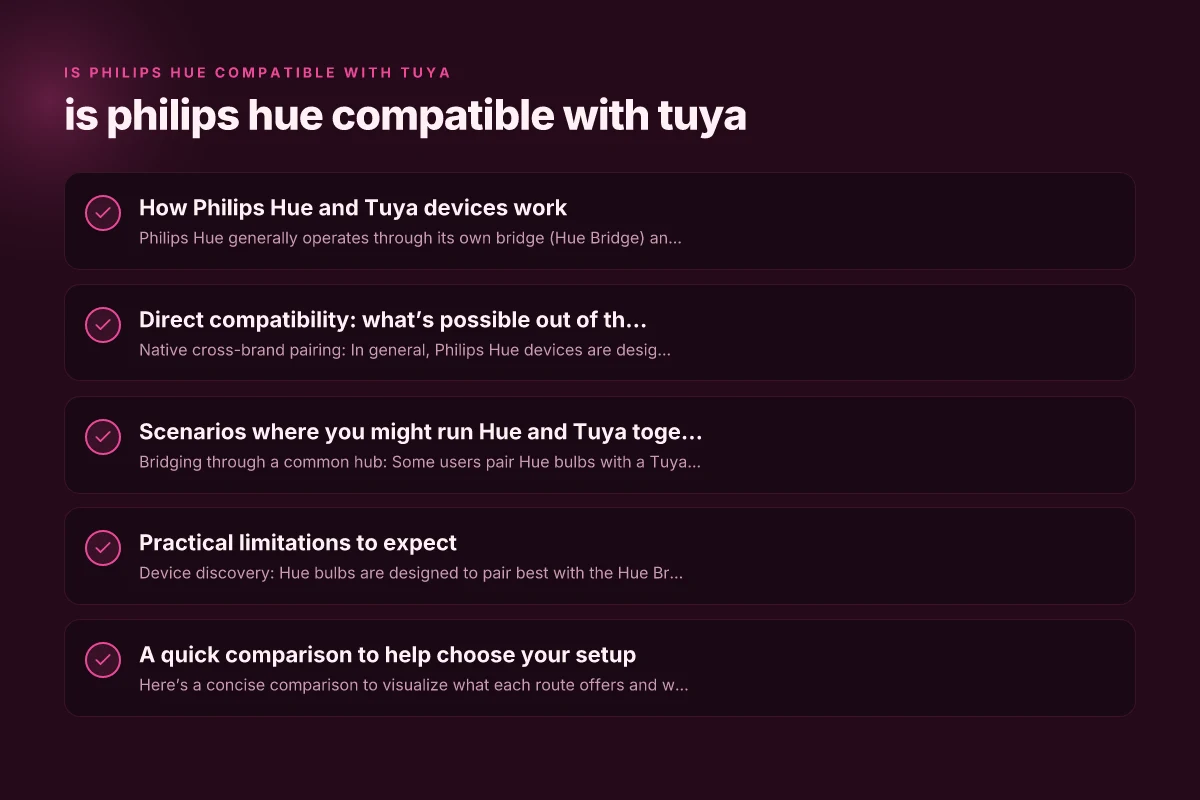
Direct compatibility: what’s possible out of the box
- Native cross-brand pairing: In general, Philips Hue devices are designed to work primarily within the Hue ecosystem. The Hue Bridge prioritizes Hue-certified devices, and third‑party devices may not be reliably discovered or controlled.
- Tuya hubs: Some Tuya Zigbee hubs may recognize Hue bulbs in certain circumstances, but this is not guaranteed and depends on firmware, radio compatibility, and device profiles.
- The short answer: there is no consistent, officially supported “Hue works with Tuya” experience. If both sides are truly needed in one unified control, you’ll often need an intermediary platform.
Scenarios where you might run Hue and Tuya together
- Bridging through a common hub: Some users pair Hue bulbs with a Tuya Zigbee hub or a third-party hub that supports both ecosystems. In practice, this can result in limited features or unstable behavior.
- Control via a third-party platform: Platforms like Home Assistant, Apple HomeKit (via HomeKit hub), or other smart home aggregators may expose Hue and Tuya devices to a single interface. Features, automations, and scene synchronization can work, but device support and reliability hinge on the platform’s integrations and updates.
- Voice assistants: If you use Alexa or Google Assistant, you may be able to control Hue and Tuya devices from the same assistant app, provided each device type is properly integrated with the assistant. Scenes or routines won’t always cross between brands, though.
Scenarios where Hue and Tuya can work together
| Scenario | Description | Best bridge approach | Pros | Cons | Quick tip |
|---|---|---|---|---|---|
| Shared lighting setup | Mixed bulbs in rooms | Use a common smart hub | Central control | Different app ecosystems | Use a universal scene |
| Voice assistant control | One assistant for all | Use a bridge or bridge-less hub | Single voice control | Sync issues | Create simple routines |
| Remote access | Remote control via internet | Cloud-to-cloud bridge | Easy access | Latency possible | Verify latency settings |
| Automations | Time-based routines | IFTTT or hub automations | Flexible rules | More steps | Keep automations simple |
| Scenes across brands | Unified lighting scenes | Hub with cross-brand support | Unified ambiance | Some delays | Test scenes incrementally |
| Energy monitoring | Track usage across brands | Compatible energy plug | Centralized data | Data fragmentation | Prefer single metrics |
Compiled November 2026; check the provider's site for current details.
Practical limitations to expect
- Device discovery: Hue bulbs are designed to pair best with the Hue Bridge; Tuya hubs may not recognize every Hue bulb, and vice versa.
- Feature parity: Even when pairing is possible, advanced features like scenes, color temperature control, or firmware updates may be limited across brands.
- Reliability: Mixed ecosystems can introduce occasional lag, failed automations, or inconsistent state reporting.
- firmware and standards: Tuya devices often push firmware differently. Hue devices expect Hue firmware behavior, so cross‑brand compatibility is not guaranteed after updates.
A quick comparison to help choose your setup
Here’s a concise comparison to visualize what each route offers and where it falls short.
| Route | What it means | Pros | Cons |
|---|---|---|---|
| Hue Bridge only | Hue bulbs and accessories controlled in Hue app | Best reliability; full feature set; robust routines | No native Tuya device support; Tuya devices require separate control |
| Tuya hub + Hue bulbs | Some Hue bulbs may pair with Tuya hub in limited ways | One hub for some devices; potential unified scenes via hub | Not reliably supported; possible instability; limited features |
| Third-party hub/platform (e.g., Home Assistant) | Hue and Tuya devices exposed to a single platform | Centralized control; potential automations across brands | Setup complexity; requires ongoing maintenance; not always seamless |
| Separate ecosystems (two apps, shared assistants) | Hue and Tuya operate independently; assistant can bridge control | Simple to start; reliable within each ecosystem | Cross-brand automations harder; user must switch apps |
Practical limitations and expected trade-offs How to read a postal paycheck
| Limitation | Hue side | Tuya side | Cross-brand impact | Typical workaround |
|---|---|---|---|---|
| App fragmentation | Hue app focus | Tuya app focus | Inconsistent controls | Use a single automations hub |
| Scene/trigger sync | Partial | Partial | Delayed updates | Simplified scenes |
| Firmware updates | Hue cadence | Tuya cadence | Version drift | Schedule checks |
| Voice control stability | Varies by device | Varies by device | Mixed results | Pin key devices in routines |
| Device discovery | Hue hub sees own devices | Tuya hub sees own | Cross-brand discovery limited | Use manual device IDs |
| Scheduling precision | High within Hue | Variable | Jitter across brands | Keep local automations |
Compiled November 2026; check the provider's site for current details.
How to maximize compatibility if you must mix Hue and Tuya
- Use a robust central platform: If you want cross-brand automations, consider a platform like Home Assistant or another hub that supports both Hue and Tuya integrations. Expect some initial setup work and occasional maintenance.
- Stick to Zigbee where possible: If you’re bridging via Zigbee, ensure firmware is up to date and use devices with strong community or official support for your chosen platform.
- Prefer one ecosystem for critical controls: For lights you rely on daily (bedside lights, living room scenes), choose one ecosystem for those devices to avoid automation frictions.
- Test automations in small steps: Before scaling, verify that a scene or routine that includes Hue and Tuya devices fires reliably across both brands.
Practical steps to set this up if you’re exploring cross-brand control
- Step 1: Decide your primary controller. If you want the most stable Hue experience, the Hue Bridge is a strong foundation for Hue devices. If you want broader device coverage via a single hub, a platform like Home Assistant can be your central nerve.
- Step 2: Gather compatible devices. Confirm Zigbee 3.0 support if you’re using a Zigbee-based hub. Check the latest compatibility notes from Hue and Tuya communities or official docs.
- Step 3: Set up the ecosystem isolation first. Get Hue bulbs working in the Hue app and Tuya devices functioning on their native app or hub.
- Step 4: Introduce the bridging layer carefully. If you add a third-party hub or platform, add devices one by one and test automations incrementally.
- Step 5: Monitor for quirks. Watch for lag, failed scenes, or devices showing as offline, and update firmware and apps as needed.
Real-world tips from users and developers
- Some users report that Hue bulbs can pair with certain Tuya Zigbee hubs but not always reliably. If you’re exploring this route, choose devices with strong community support and documented cross‑brand pairing.
- Hue Essentials and similar third-party apps sometimes struggle with non-Hue gateways. If you rely on these apps for control across brands, you may encounter compatibility gaps.
- Home automation communities often recommend picking one primary ecosystem to minimize edge cases. If you must mix, plan for a few extra troubleshooting sessions.
The bottom line: should you mix Philips Hue and Tuya?
- If your goal is seamless, fully supported cross-brand behavior with every feature intact, the practical answer is: not reliably. Philips Hue and Tuya are not designed as a single, guaranteed interoperable pair.
- If you’re flexible and want to leverage the strengths of both ecosystems, you have a few viable paths:
- Use Hue for Hue devices with its strongest reliability, and Tuya for other devices, controlled separately but visible in a common voice assistant or a centralized hub platform.
- Use a third-party hub or platform to bridge inventories, accepting that some features may be limited and that maintenance will be part of the setup.
- For most users who want a straightforward, dependable lighting setup, choosing one ecosystem for lights and accessories (preferably Hue for Hue devices or Tuya for Tuya devices) and using a secondary platform only when necessary tends to deliver the best day-to-day experience.
Recommendation
- If you value reliability and full feature support for Hue devices, invest in the Hue Bridge as your primary control hub and consider Tuya devices as a separate, complementary set of products that don’t need tight integration.
- If your goal is maximal device variety and a single control interface, explore a capable third-party platform (like Home Assistant) that supports both Hue and Tuya, but proceed with a plan for potential troubleshooting and updates.
- Always verify current compatibility notes from Hue’s official resources and your Tuya hub’s documentation before purchasing new devices with cross-brand intent.
If you’d like, tell me your existing devices and preferred control method (Hue app, Tuya app, HomeKit, Google Home, etc.), and I can tailor a setup plan that balances reliability with the breadth of devices you want to use.