Vuze VPN Extension for Edge: What You Need to Know

Learn whether a Vuze VPN extension is available for Edge and how to protect Vuze traffic with a VPN.
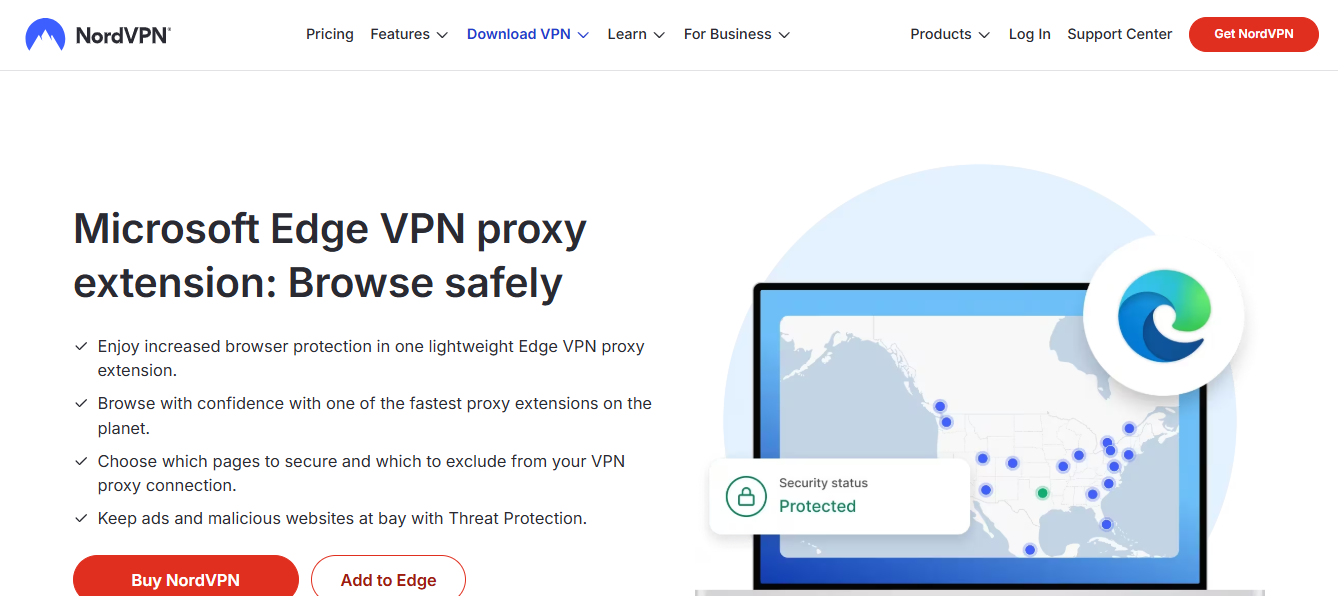
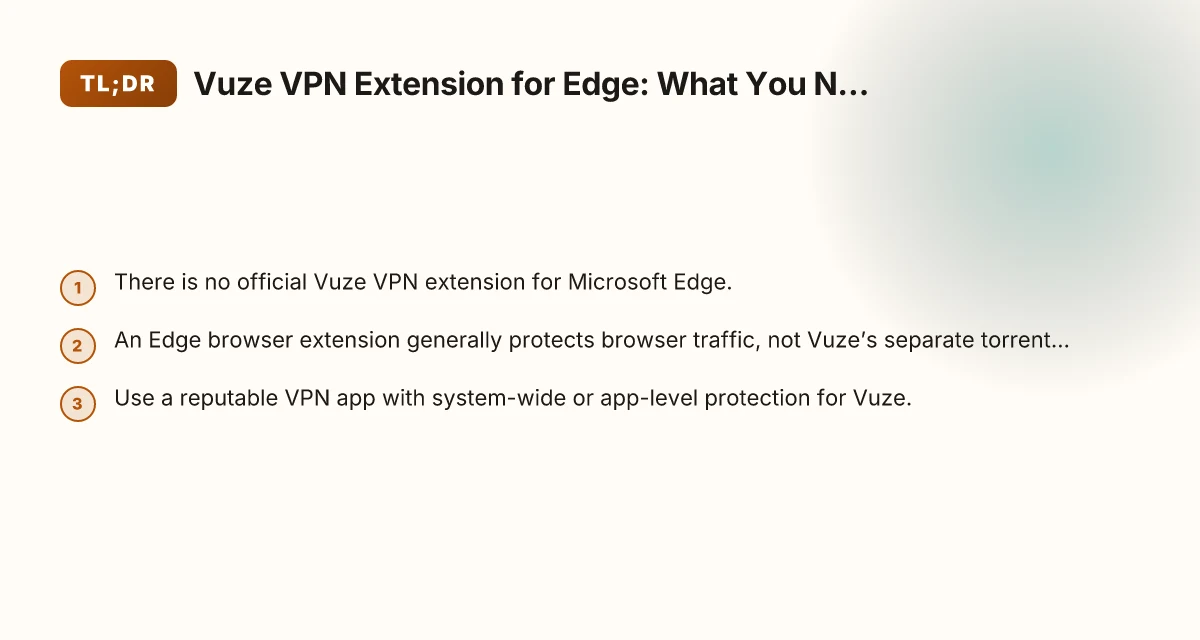
If you’re looking for a Vuze VPN extension for Edge, there isn’t an official extension that connects Vuze to a VPN. Vuze is a desktop BitTorrent client, while Edge extensions are designed primarily to route or manage browser traffic. To protect Vuze, install a reputable VPN application that supports your operating system and configure it to cover the torrent client, rather than relying on an Edge add-on.
Editor's pick: NordVPN — fast, secure VPN — Strong encryption, a no-logs policy and apps for every device. 30-day money-back guarantee. Get NordVPN →
Comparing VPN approaches for Vuze on Edge
| Option | Covers Vuze traffic | Works beyond Edge | Setup effort | Main consideration |
|---|---|---|---|---|
| Edge VPN extension | Usually no | No | Low | Protects supported browser traffic |
| VPN desktop app | Yes, when connected | Yes | Low | Covers apps such as Vuze |
| VPN router | Yes, for connected devices | Yes | Medium | Applies VPN at network level |
| Proxy configured in Vuze | Vuze traffic only | No | Medium | Requires compatible proxy settings |
| VPN app with a kill switch | Yes, when configured | Yes | Low | Can block traffic if VPN disconnects |
| Extension plus desktop VPN | Yes, through desktop app | Yes | Medium | Extension may be unnecessary for Vuze |
Compiled November 2026; check the provider's site for current details.
| VPN | Obfuscation | From / month | Plan | Free plan | Refund | Alipay | UnionPay | Crypto | Website opens in China | Trustpilot | |
|---|---|---|---|---|---|---|---|---|---|---|---|
 ZoogVPN | Turn on manually Shadow | $2.49/mo | 27 months: $59.99 | Yes | 7 days | ✓ | ✓ | ✓ | ✓ | Official site blocked; our special link opens (4.4 s) | 4.2/5 (195 reviews) |
 NordVPN | Turn on manually Obfuscated Servers / NordWhisper | $3.49/mo | 27 months: $94.23 | No | 30 days | ? | ✗ | ✓ | ✓ | ✗ Blocked | 4.2/5 (51,628 reviews) |
 ExpressVPN | ✓ On by default all servers | $3.00/mo | 28 months: $84 | No | 30 days | ✗ | ✗ | ✓ | ✗ | ✗ Blocked | 4.4/5 (29,706 reviews) |
 Surfshark | ✓ On by default Camouflage, with OpenVPN | See site | See site | No | 30 days | ✗ | ✗ | ✗ | ✓ | ✗ Blocked | 4.3/5 (31,823 reviews) |
 Proton VPN | Turn on manually Stealth, free plan too | $2.99/mo | 12 months: $35.88 | Yes | 30 days | ✗ | ✗ | ✗ | ✓ | ✗ Blocked | 2.1/5 (1,040 reviews) |
 Astrill VPN | Turn on manually StealthVPN / OpenWeb | $12.50/mo | 24 months: $300 | No | See site | ✗ | ✗ | ✗ | ✓ | ✗ Blocked | 1.3/5 (110 reviews) |
 Private Internet Access | Turn on manually Shadowsocks, OpenVPN only | $2.03/mo | 40 months: $81.2 | No | 30 days | ✗ | ✗ | ✗ | ✗ | ✗ Blocked | 4.2/5 (11,033 reviews) |
 CyberGhost | Turn on manually selected servers | $2.19/mo | 28 months: $61.32 | No | 45 days | ✗ | ✗ | ✗ | ✓ | ✗ Blocked | 4.0/5 (24,178 reviews) |
 PureVPN | Turn on manually switch to OpenVPN | $1.69/mo | 60 months: $101.55 | No | 31 days | ? | ? | ✗ | ✓ | ✗ Blocked | 4.4/5 (17,994 reviews) |
 AdGuard VPN | ✓ On by default TrustTunnel | $2.99/mo | 24 months: $71.76 | Yes | 30 days | ✓ | ✗ | ✓ | ✓ | Official site blocked; our special link opens (3.7 s) | 4.3/5 (290 reviews) |
 Mullvad | Turn on manually QUIC / Shadowsocks / LWO | $5.61/mo | €5/mo | No | 14 days | ✗ | ✗ | ✗ | ✓ | ✗ Blocked | 3.2/5 (192 reviews) |
 Windscribe | Turn on manually Stealth / WStunnel | $5.75/mo | 12 months: $69 | Yes | See site | ✗ | ✗ | ✗ | ✓ | ✗ Blocked | 4.7/5 (13,355 reviews) |
 StrongVPN | Turn on manually Scramble, OpenVPN TCP | See site | See site | No | 30 days | ✓ | ✗ | ✗ | ✗ | ✗ Blocked | 4.4/5 (2,695 reviews) |
 LightXtreme 闪连 | Not listed | $7.08/mo | 12 months: $84.99 | Yes | 30 days | ✓ | ✓ | ✓ | ✓ | ✓ Yes (3.5 s) | No page |
Prices checked 2026-11-10 on each vendor's pricing page (cheapest long plan, USD). Check the vendor's checkout for the final price.
Obfuscation checked 2026-11-14 on each vendor's site and help center: "on by default" = nothing to set; "turn on manually" = switch protocol or mode in settings; "not listed" = the vendor describes no obfuscation.
Payment methods checked 2026-11-10 on each vendor's payment pages: all 14 take cards and PayPal; ✗ = not listed, ? = the vendor's own pages disagree.
China access: whether the official website opens from mainland China networks (tests the website only, not the VPN connection). Last checked 2026-11-18 01:02 Beijing time.
Trustpilot score and review count checked 2026-11-10.
Is there a Vuze VPN extension for Edge?
No official Vuze VPN extension for Microsoft Edge is available. Vuze and Edge are separate applications: Vuze handles torrent downloads, and Edge displays websites. A browser VPN extension typically applies only to traffic passing through the browser, so it usually won’t route Vuze’s peer-to-peer connections.
Some VPN providers offer Edge extensions, but those should not be mistaken for full VPN applications. Depending on the provider, an extension may function as a browser proxy rather than a device-wide VPN. That can be useful for browsing, but it does not necessarily encrypt or redirect traffic from desktop software.
Be cautious of extensions claiming to be “Vuze VPN” tools. Check who publishes them, what traffic they cover, and whether the provider clearly explains its privacy practices. Avoid extensions that ask for unnecessary permissions or make unsupported promises about anonymity.
Why an Edge extension may not protect Vuze
A browser extension normally works inside the browser. Vuze, by contrast, makes network connections directly from your computer. Those connections can continue outside Edge, even if an extension is enabled in the browser. VPN for Edge Free: How to Choose and Set One Up
This distinction matters when you want to keep Vuze traffic within a VPN connection. If the VPN covers only Edge, Vuze may still use your regular internet connection. The same limitation can apply to other desktop apps, including messaging software, games, and download managers.
Before using any VPN for torrenting, review its current terms and features. Provider policies vary, and a VPN does not make copyrighted or otherwise unlawful sharing legal. Follow the laws and rules that apply where you live, and download or share content only when you have the right to do so.
VPN options and features to check for Vuze
| Option or feature | Protects Vuze | Covers other apps | Kill switch | Best suited for |
|---|---|---|---|---|
| Desktop VPN app | Yes | Yes | Check provider | Whole-device VPN use |
| VPN router | Yes, on connected network | Yes, on connected network | Check router setup | Multiple devices |
| Vuze proxy settings | Yes, if supported and configured | No | Usually separate | App-specific routing |
| Edge extension | Usually no | No | Browser-specific | Browser traffic |
| P2P support | Depends on provider | Not applicable | Not applicable | Vuze file sharing |
| No-logs policy | Not a traffic-routing feature | Not applicable | Not applicable | Privacy criteria |
Compiled November 2026; check the provider's site for current details. Free VPN Edge: What It Is and How to Choose a Safe Option
VPN options for using Vuze
For Vuze, the most straightforward option is usually a full VPN app installed on your computer. A system-wide VPN can route traffic from multiple applications through the VPN, though the exact behavior depends on the app and its settings.
| Option | Usually protects Vuze traffic? | Best suited for |
|---|---|---|
| Edge VPN extension | No, typically limited to Edge | Browser traffic |
| Full VPN application | Often, if configured for the device | Vuze and other desktop apps |
| VPN with split tunneling | Only if Vuze is included in the VPN route | Choosing which apps use the VPN |
| VPN-bound network interface | Can restrict Vuze to a selected connection | Users comfortable with network settings |
A provider’s full VPN app may include features such as a kill switch, split tunneling, or controls for choosing a connection. Feature names and behavior differ, so consult the provider’s documentation rather than assuming that a setting works a particular way.
A kill switch can help prevent traffic from continuing over your regular connection if the VPN disconnects. It is not a substitute for checking the configuration, and it may need to be enabled separately. Split tunneling can also be useful, but make sure Vuze is routed through the VPN if that is your goal.
How to set up Vuze with a VPN
- Choose a reputable VPN provider whose current terms allow the activities you intend to carry out. Review its privacy policy, security features, and support documentation.
- Install the provider’s VPN application from its official website or an authorized app store.
- Connect to a VPN server using the provider’s app. If available, enable the kill switch and review any split-tunneling settings.
- If using split tunneling, check that Vuze is assigned to the VPN route, not excluded from it. If you are unsure, use the provider’s default full-device connection.
- Open Vuze and check its network or connection settings. Options vary by version, so use Vuze’s official help resources for the exact menus.
- Verify the setup using guidance from your VPN provider. If you change networks or VPN settings, check again before relying on the configuration.
Some advanced users choose to bind a torrent client to a particular network interface. This may help prevent the client from using another connection if the VPN drops, but the available options depend on the Vuze version and operating system. Incorrect settings can stop connections from working. Follow current Vuze documentation and test carefully. 365VPN Review: Features, Platforms, and What to Check
How to choose a VPN for Vuze
Look for clear documentation on whether the VPN application covers all device traffic, along with a kill switch and practical support for your operating system. If you need split tunneling, confirm that the provider lets you control which applications use the VPN.
Consider connection stability, privacy policies, customer support, and any restrictions on peer-to-peer traffic. Do not rely on marketing claims alone. Read the provider’s terms and verify that its features match your needs.
Free browser extensions deserve particular caution. Some may offer limited proxy access, while others may collect data or provide unclear protections. A free extension is not automatically unsafe, but you should be able to identify its publisher, understand what it does, and review its privacy policy before installing it.
Setup choices and checks before using Vuze with a VPN What Is a Proxy vs VPN? Key Differences and Which to Choose
| Step or check | Desktop VPN app | Router VPN | Vuze proxy |
|---|---|---|---|
| Confirm Vuze traffic is covered | Check app routing settings | Check connected network | Check Vuze proxy settings |
| Choose a VPN location | Select in VPN app | Select in router settings | Use proxy details |
| Connect before opening Vuze | Yes | Connect router first | Apply proxy settings |
| Check for traffic leaks | Use provider tools | Check router and device | Test proxy connection |
| Enable a kill switch | If available | Check router support | Configure separately |
| Verify P2P support | Check provider policy | Check provider policy | Check proxy compatibility |
| Recheck after changes | Yes | Yes | Yes |
Compiled November 2026; check the provider's site for current details.
Recommendation
There is no official Vuze VPN extension for Edge, and an Edge add-on generally will not protect Vuze’s torrent connections. For Vuze, use a reputable VPN desktop application configured to cover the client, and enable suitable leak-prevention features if available. Treat browser extensions as browser tools, not as a replacement for a full VPN connection.