VPN for Microsoft Edge: How to Choose and Use One
Learn how Edge VPN extensions differ from full VPN apps, what features to compare, and how to protect your browsing.
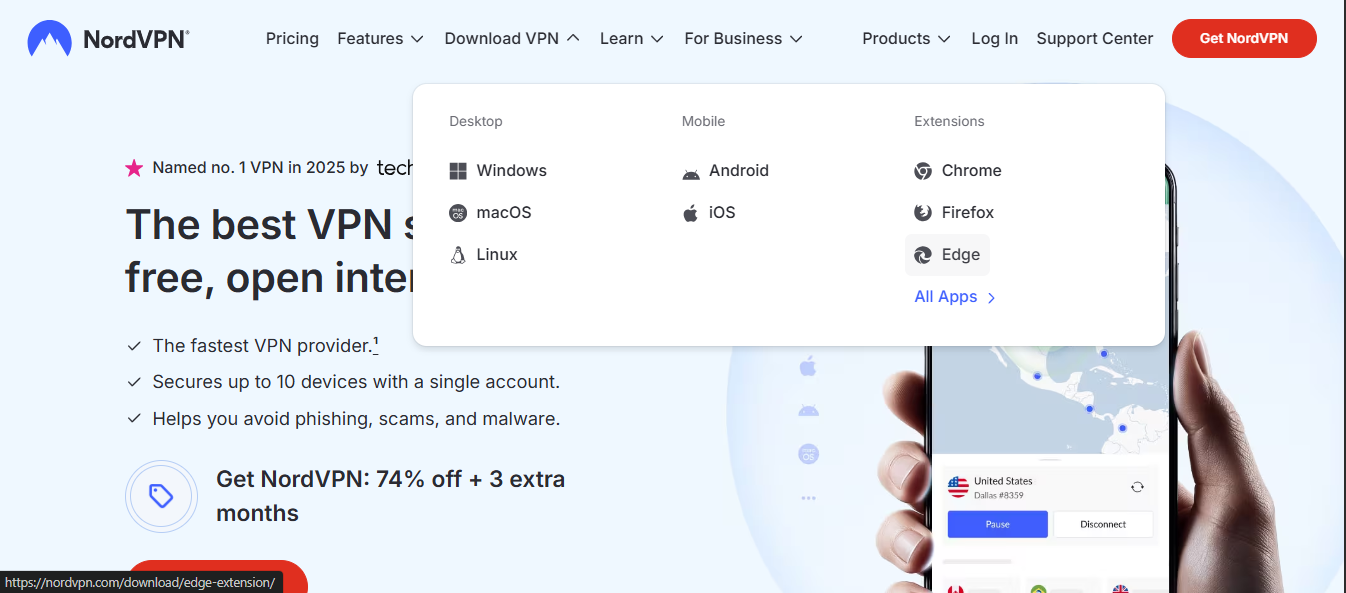
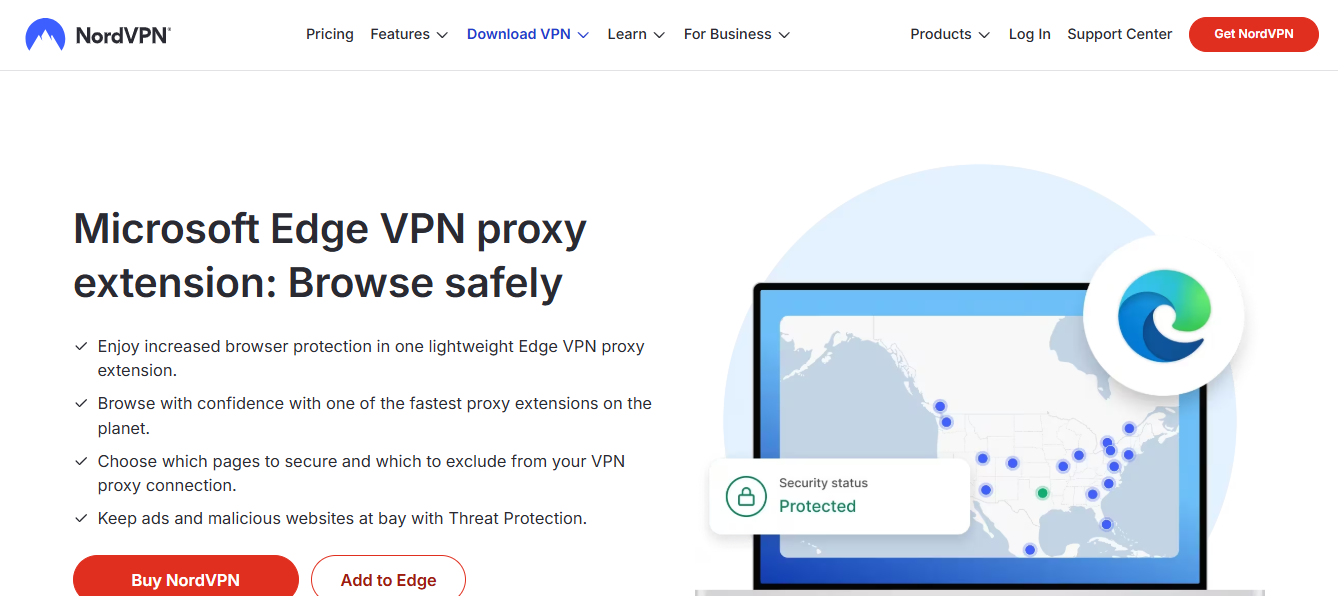
A VPN for Microsoft Edge can help protect your browsing traffic and make your public-facing IP address appear to come from a different location. You can usually connect through a VPN app installed on your device or, if your provider offers one, a browser extension for Edge. The right choice depends on whether you want to protect only browser activity or traffic from your whole device.
Editor's pick: NordVPN — fast, secure VPN — Strong encryption, a no-logs policy and apps for every device. 30-day money-back guarantee. Get NordVPN →
Compare VPN options for Microsoft Edge
| Option | Works with Edge | What it protects | Setup | Best for |
|---|---|---|---|---|
| Edge VPN extension | Supported | Browser traffic | Add from the Edge Add-ons store | Browser-only use |
| VPN desktop app | Supported | Device traffic | Install the provider’s app | Whole-device coverage |
| Built-in VPN service | Depends on provider | Varies by service | Follow provider instructions | Simple setup |
| Free VPN extension | Supported by some providers | Usually browser traffic | Add and connect | Occasional use |
| Paid VPN extension | Supported by some providers | Usually browser traffic | Subscribe, add, and connect | Regular browsing |
| VPN with a kill switch | Depends on provider | Traffic if the VPN drops | Enable in the app | Reducing exposure |
| VPN with split tunneling | Depends on provider | Selected apps or traffic | Choose what uses the VPN | Flexible routing |
Compiled November 2026; check the provider's site for current details.
| VPN | Obfuscation | From / month | Plan | Free plan | Refund | Alipay | UnionPay | Crypto | Website opens in China | Trustpilot | |
|---|---|---|---|---|---|---|---|---|---|---|---|
 ZoogVPN | Turn on manually Shadow | $2.49/mo | 27 months: $59.99 | Yes | 7 days | ✓ | ✓ | ✓ | ✓ | Official site blocked; our special link opens (4.4 s) | 4.2/5 (195 reviews) |
 NordVPN | Turn on manually Obfuscated Servers / NordWhisper | $3.49/mo | 27 months: $94.23 | No | 30 days | ? | ✗ | ✓ | ✓ | ✗ Blocked | 4.2/5 (51,628 reviews) |
 ExpressVPN | ✓ On by default all servers | $3.00/mo | 28 months: $84 | No | 30 days | ✗ | ✗ | ✓ | ✗ | ✗ Blocked | 4.4/5 (29,706 reviews) |
 Surfshark | ✓ On by default Camouflage, with OpenVPN | See site | See site | No | 30 days | ✗ | ✗ | ✗ | ✓ | ✗ Blocked | 4.3/5 (31,823 reviews) |
 Proton VPN | Turn on manually Stealth, free plan too | $2.99/mo | 12 months: $35.88 | Yes | 30 days | ✗ | ✗ | ✗ | ✓ | ✗ Blocked | 2.1/5 (1,040 reviews) |
 Astrill VPN | Turn on manually StealthVPN / OpenWeb | $12.50/mo | 24 months: $300 | No | See site | ✗ | ✗ | ✗ | ✓ | ✗ Blocked | 1.3/5 (110 reviews) |
 Private Internet Access | Turn on manually Shadowsocks, OpenVPN only | $2.03/mo | 40 months: $81.2 | No | 30 days | ✗ | ✗ | ✗ | ✗ | ✗ Blocked | 4.2/5 (11,033 reviews) |
 CyberGhost | Turn on manually selected servers | $2.19/mo | 28 months: $61.32 | No | 45 days | ✗ | ✗ | ✗ | ✓ | ✗ Blocked | 4.0/5 (24,178 reviews) |
 PureVPN | Turn on manually switch to OpenVPN | $1.69/mo | 60 months: $101.55 | No | 31 days | ? | ? | ✗ | ✓ | ✗ Blocked | 4.4/5 (17,994 reviews) |
 AdGuard VPN | ✓ On by default TrustTunnel | $2.99/mo | 24 months: $71.76 | Yes | 30 days | ✓ | ✗ | ✓ | ✓ | Official site blocked; our special link opens (3.7 s) | 4.3/5 (290 reviews) |
 Mullvad | Turn on manually QUIC / Shadowsocks / LWO | $5.61/mo | €5/mo | No | 14 days | ✗ | ✗ | ✗ | ✓ | ✗ Blocked | 3.2/5 (192 reviews) |
 Windscribe | Turn on manually Stealth / WStunnel | $5.75/mo | 12 months: $69 | Yes | See site | ✗ | ✗ | ✗ | ✓ | ✗ Blocked | 4.7/5 (13,355 reviews) |
 StrongVPN | Turn on manually Scramble, OpenVPN TCP | See site | See site | No | 30 days | ✓ | ✗ | ✗ | ✗ | ✗ Blocked | 4.4/5 (2,695 reviews) |
 LightXtreme 闪连 | Not listed | $7.08/mo | 12 months: $84.99 | Yes | 30 days | ✓ | ✓ | ✓ | ✓ | ✓ Yes (3.5 s) | No page |
Prices checked 2026-11-10 on each vendor's pricing page (cheapest long plan, USD). Check the vendor's checkout for the final price.
Obfuscation checked 2026-11-14 on each vendor's site and help center: "on by default" = nothing to set; "turn on manually" = switch protocol or mode in settings; "not listed" = the vendor describes no obfuscation.
Payment methods checked 2026-11-10 on each vendor's payment pages: all 14 take cards and PayPal; ✗ = not listed, ? = the vendor's own pages disagree.
China access: whether the official website opens from mainland China networks (tests the website only, not the VPN connection). Last checked 2026-11-18 01:02 Beijing time.
Trustpilot score and review count checked 2026-11-10.
What a VPN for Microsoft Edge does
A virtual private network, or VPN, encrypts traffic between your device and a VPN server. Websites and online services generally see the server’s IP address rather than your usual public IP address. Your internet provider or the operator of a public Wi-Fi network may also have less visibility into the contents of encrypted traffic, though they can still see that you are connecting to a VPN.
A VPN does not make you anonymous. Websites may identify you through account logins, cookies, browser settings, or other tracking methods. It also cannot guarantee access to every website or streaming service, since some platforms block VPN connections.
Extension or VPN app?
An Edge extension typically works within the browser. Depending on the provider, it may route browser traffic through a VPN or act as a browser proxy. An extension labeled as a VPN does not necessarily encrypt all traffic from your device.
A full VPN app runs at the device level and can usually protect traffic from Edge as well as other applications. For broader coverage, choose a reputable VPN app and connect before browsing. Read the provider’s documentation to understand exactly what its extension does. Where Is My VPN? How to Find It and Check That It’s Working
How to choose a VPN for Edge
Start with your needs: browser-only convenience, whole-device protection, access to servers in particular countries, or a combination. Then compare the provider’s privacy and security practices rather than choosing on speed or price alone.
Look for:
- Clear privacy policy: Check what connection or usage data is collected, how long it is kept, and whether it is shared.
- Credible privacy claims: Independent audits or other meaningful verification can add confidence, but check what the review covered and when it took place.
- Strong encryption and modern protocols: Providers should explain the protections and connection protocols they offer.
- Leak protection: Look for safeguards against DNS or IP leaks, along with a kill switch in the device app where available.
- Useful server locations: Confirm that the provider has servers in the regions you actually need.
- Transparent pricing and limits: Review renewal prices, device limits, refund terms, and any data or speed restrictions.
- Reliable support: Clear setup guides and responsive customer support can help if Edge does not connect as expected.
Be cautious of free VPNs that make sweeping promises without explaining how they are funded or what data they collect. Some may impose strict limits, display ads, or rely on data practices that do not suit your privacy needs. A free plan from a well-documented provider may be reasonable for occasional use, but evaluate its terms carefully.
How to choose a VPN for Edge Urban VPN: Features, Apps, and What to Consider
| Consideration | What to check | Why it matters | Good sign | Caution |
|---|---|---|---|---|
| Edge compatibility | Extension or app support | Confirms it works with your setup | Clear Edge instructions | Unclear browser support |
| Privacy policy | Logging and data handling | A VPN can still collect data | Plain-language policy | Vague retention details |
| Encryption | Security details | Protects traffic in transit | Published technical information | Unsupported security claims |
| Server locations | Available regions | Affects location choices and access | Locations meet your needs | Limited availability |
| Speed | Performance information | VPN routing can affect browsing | Trial or refund option | No performance details |
| Security features | Kill switch and leak protection | Helps limit accidental exposure | Features are explained | Features absent or unclear |
| Price and limits | Renewal terms and usage caps | Free plans may have restrictions | Transparent terms | Hidden limits or fees |
Compiled November 2026; check the provider's site for current details.
VPN extension vs. VPN app
| Option | What it usually protects | Best suited to | What to check |
|---|---|---|---|
| Edge VPN extension | Traffic handled by the browser, depending on the extension | People who want a browser-focused option | Whether it encrypts traffic or uses a proxy, and whether other apps are excluded |
| VPN app | Traffic from the device, subject to settings and exceptions | People who want wider device coverage | Kill switch, startup behavior, protocol options, and app exclusions |
| Both together | Depends on how the provider configures them | Users with a specific browser-level feature in mind | Avoid overlapping connections or settings that interfere with each other |
For most people who want protection beyond Edge, a device-level app is the simpler choice. An extension can be useful for browser-specific controls, but it should not be treated as whole-device protection unless the provider clearly says it is.
How to install and use a VPN with Microsoft Edge
The exact steps vary by provider, but the process is usually straightforward:
- Choose a provider. Review its privacy policy, features, pricing, and supported devices.
- Get the official software. Download the app from the provider’s official website or install its extension from the Microsoft Edge Add-ons store. Check the publisher name and avoid unfamiliar copies.
- Install and sign in. Follow the provider’s instructions and review any permissions the extension requests.
- Connect to a server. Choose a location based on your needs, or use the provider’s recommended server.
- Check the connection. Use the VPN’s status indicator and, if appropriate, a reputable IP or DNS leak test. A test can offer a useful check, but it is not a complete security audit.
- Keep it updated. Install browser, operating system, and VPN updates to receive security fixes.
If you use a browser extension, review its permissions and privacy details before installation. An extension may be able to access or modify browser data depending on the permissions it requests. Only install extensions from sources you trust, and remove ones you no longer use. iPhone Clash: What It Means and How to Fix Common Conflicts
Choose an Edge extension or a VPN app
| Factor | Edge extension | VPN app |
|---|---|---|
| Coverage | Browser traffic | Device traffic |
| Edge setup | Add through Edge Add-ons or provider | Install provider software |
| Other apps | Usually not covered | Usually covered |
| Browser control | Often easy to switch in Edge | Usually managed in the app |
| Settings | Commonly browser-focused | May include device-wide controls |
| Compatibility | Check Edge and extension support | Check operating system support |
| Best fit | Protecting browser activity | Protecting more than browser traffic |
| Limitation | Does not necessarily cover other apps | Requires installing and managing an app |
Compiled November 2026; check the provider's site for current details.
Common questions and limitations
Will a VPN make Edge completely private?
No. A VPN can encrypt the connection to its server and change the IP address visible to websites, but it does not prevent all tracking. Signed-in accounts, cookies, browser fingerprinting, malware, and unsafe downloads can still expose information. Use separate privacy measures where appropriate, such as reviewing cookie settings and keeping your device protected.
Can I use a VPN extension and app at the same time?
Sometimes, but it may cause connection problems or route traffic in unexpected ways. If you do not need a specific extension feature, use one VPN connection at a time. Check the provider’s instructions before combining its app and extension. CJ VPN: What the Search Term Means and How to Choose a VPN
Why is my connection slower?
Your traffic takes an additional route through a VPN server, and encryption also uses device resources. Distance to the server, network congestion, VPN protocol, and your original connection speed can affect performance. Try a nearby server or another protocol if your provider supports it.
Is a VPN a replacement for HTTPS?
No. A VPN and HTTPS serve different purposes. HTTPS protects the connection between your browser and a website, while a VPN protects traffic between your device and the VPN server. Use websites that support HTTPS even when connected to a VPN.
Recommendation
For a VPN for Microsoft Edge, choose a reputable provider with a clear privacy policy and install its official app if you want protection for your whole device. Choose an Edge extension only when browser-specific coverage is enough, and confirm exactly what it protects. Whichever option you use, check the settings, connect before browsing, and remember that a VPN improves connection privacy but does not make you anonymous.