Urban VPN Microsoft Edge: Setup, Features, and Privacy Considerations
Learn how to install Urban VPN on Microsoft Edge, connect to a location, and understand its limitations before using it.
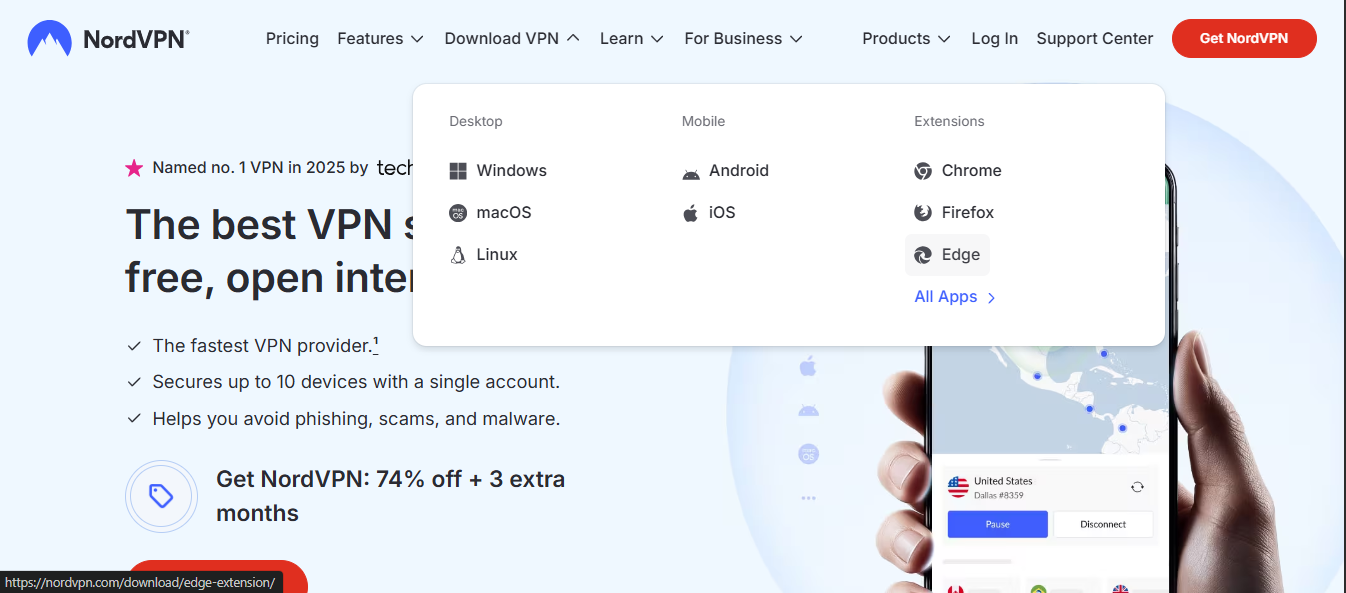
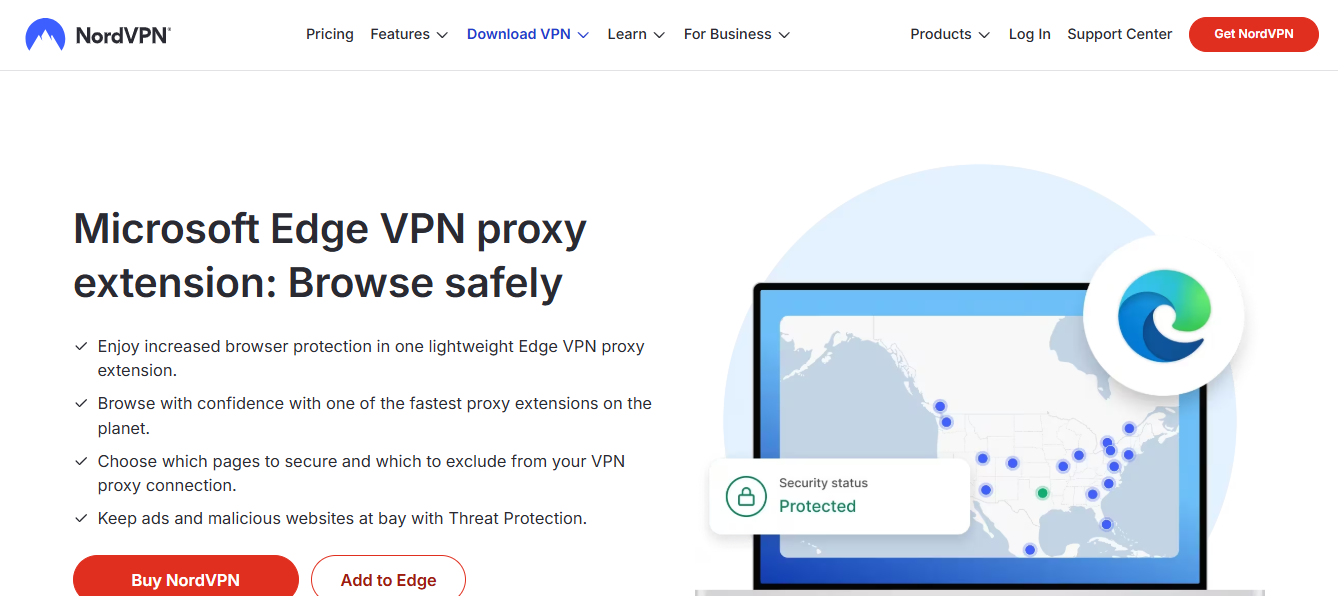
If you’re looking for Urban VPN for Microsoft Edge, you can install its browser extension from the Microsoft Edge Add-ons store, then choose a location and connect from the toolbar. The extension is intended to route traffic from your browser through a VPN or proxy connection. It does not necessarily protect other apps on your computer, and its privacy and performance characteristics should be checked before use.
Editor's pick: NordVPN — fast, secure VPN — Strong encryption, a no-logs policy and apps for every device. 30-day money-back guarantee. Get NordVPN →
Compare Urban VPN installation options for Edge
| Option | Where to get it | Setup effort | Best for | Key check |
|---|---|---|---|---|
| Edge Add-ons listing | Microsoft Edge Add-ons store | Low | Most Edge users | Confirm the publisher and listing |
| Chrome Web Store listing | Chrome Web Store | Low | When the Edge listing is unavailable | Check that Edge allows Chrome extensions |
| Manual installation | Extension files and Edge developer settings | Higher | Testing or advanced users | Install only files from a trusted source |
| Store installation | Browser’s extension store | Low | Automatic store-managed updates | Review requested permissions |
| Private browsing use | Edge extension settings | Medium | Users who need the extension in InPrivate windows | Enable access explicitly, if available |
| Managed work or school browser | Organization’s Edge settings | Varies | Managed devices | Administrator policies may block installation |
Compiled November 2026; check the provider's site for current details.
| VPN | Obfuscation | From / month | Plan | Free plan | Refund | Alipay | UnionPay | Crypto | Website opens in China | Trustpilot | |
|---|---|---|---|---|---|---|---|---|---|---|---|
 ZoogVPN | Turn on manually Shadow | $2.49/mo | 27 months: $59.99 | Yes | 7 days | ✓ | ✓ | ✓ | ✓ | Official site blocked; our special link opens (4.4 s) | 4.2/5 (195 reviews) |
 NordVPN | Turn on manually Obfuscated Servers / NordWhisper | $3.49/mo | 27 months: $94.23 | No | 30 days | ? | ✗ | ✓ | ✓ | ✗ Blocked | 4.2/5 (51,628 reviews) |
 ExpressVPN | ✓ On by default all servers | $3.00/mo | 28 months: $84 | No | 30 days | ✗ | ✗ | ✓ | ✗ | ✗ Blocked | 4.4/5 (29,706 reviews) |
 Surfshark | ✓ On by default Camouflage, with OpenVPN | See site | See site | No | 30 days | ✗ | ✗ | ✗ | ✓ | ✗ Blocked | 4.3/5 (31,823 reviews) |
 Proton VPN | Turn on manually Stealth, free plan too | $2.99/mo | 12 months: $35.88 | Yes | 30 days | ✗ | ✗ | ✗ | ✓ | ✗ Blocked | 2.1/5 (1,040 reviews) |
 Astrill VPN | Turn on manually StealthVPN / OpenWeb | $12.50/mo | 24 months: $300 | No | See site | ✗ | ✗ | ✗ | ✓ | ✗ Blocked | 1.3/5 (110 reviews) |
 Private Internet Access | Turn on manually Shadowsocks, OpenVPN only | $2.03/mo | 40 months: $81.2 | No | 30 days | ✗ | ✗ | ✗ | ✗ | ✗ Blocked | 4.2/5 (11,033 reviews) |
 CyberGhost | Turn on manually selected servers | $2.19/mo | 28 months: $61.32 | No | 45 days | ✗ | ✗ | ✗ | ✓ | ✗ Blocked | 4.0/5 (24,178 reviews) |
 PureVPN | Turn on manually switch to OpenVPN | $1.69/mo | 60 months: $101.55 | No | 31 days | ? | ? | ✗ | ✓ | ✗ Blocked | 4.4/5 (17,994 reviews) |
 AdGuard VPN | ✓ On by default TrustTunnel | $2.99/mo | 24 months: $71.76 | Yes | 30 days | ✓ | ✗ | ✓ | ✓ | Official site blocked; our special link opens (3.7 s) | 4.3/5 (290 reviews) |
 Mullvad | Turn on manually QUIC / Shadowsocks / LWO | $5.61/mo | €5/mo | No | 14 days | ✗ | ✗ | ✗ | ✓ | ✗ Blocked | 3.2/5 (192 reviews) |
 Windscribe | Turn on manually Stealth / WStunnel | $5.75/mo | 12 months: $69 | Yes | See site | ✗ | ✗ | ✗ | ✓ | ✗ Blocked | 4.7/5 (13,355 reviews) |
 StrongVPN | Turn on manually Scramble, OpenVPN TCP | See site | See site | No | 30 days | ✓ | ✗ | ✗ | ✗ | ✗ Blocked | 4.4/5 (2,695 reviews) |
 LightXtreme 闪连 | Not listed | $7.08/mo | 12 months: $84.99 | Yes | 30 days | ✓ | ✓ | ✓ | ✓ | ✓ Yes (3.5 s) | No page |
Prices checked 2026-11-10 on each vendor's pricing page (cheapest long plan, USD). Check the vendor's checkout for the final price.
Obfuscation checked 2026-11-14 on each vendor's site and help center: "on by default" = nothing to set; "turn on manually" = switch protocol or mode in settings; "not listed" = the vendor describes no obfuscation.
Payment methods checked 2026-11-10 on each vendor's payment pages: all 14 take cards and PayPal; ✗ = not listed, ? = the vendor's own pages disagree.
China access: whether the official website opens from mainland China networks (tests the website only, not the VPN connection). Last checked 2026-11-18 01:02 Beijing time.
Trustpilot score and review count checked 2026-11-10.
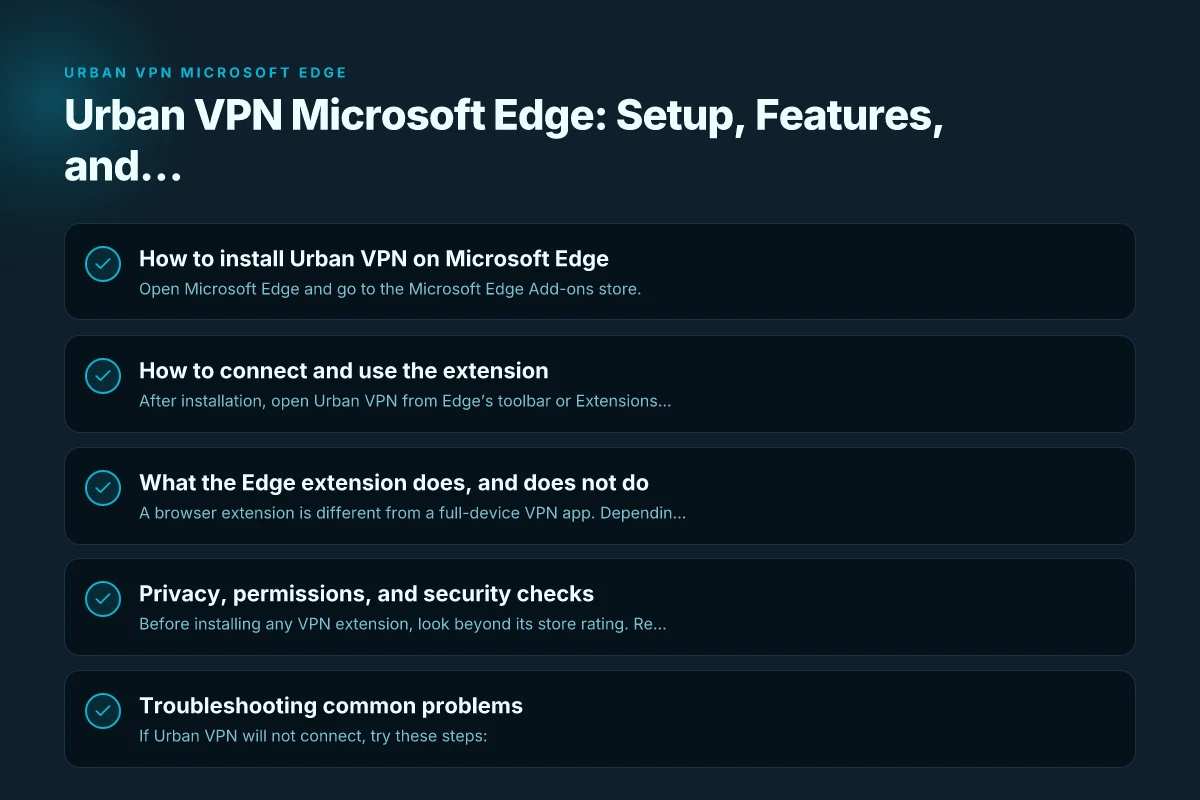
How to install Urban VPN on Microsoft Edge
- Open Microsoft Edge and go to the Microsoft Edge Add-ons store.
- Search for “Urban VPN.”
- Check that the listing is the official extension, and review its publisher, permissions, ratings, and privacy information.
- Select Get and approve the installation when Edge prompts you.
- Open the Extensions menu in Edge and pin Urban VPN to the toolbar if you want quicker access.
- Select the extension, choose an available location, and connect.
The exact button labels and available locations can change as the extension is updated. If Urban VPN does not appear in the store, avoid downloading an installer from an unfamiliar website. Confirm that you are using the official product listing, and check whether the extension is currently available in your region.
How to connect and use the extension
After installation, open Urban VPN from Edge’s toolbar or Extensions menu. Select a server location from the options shown, then use the connect control. When connected, the extension should indicate its status in its panel or icon.
To disconnect, reopen the panel and select the disconnect option. If a page still appears to show your usual location, try refreshing it. You can also check your apparent IP address using a reputable IP-checking website, but remember that a browser test does not prove that every connection on your device is protected.
A VPN extension may be useful when you want to change the apparent network location of browser traffic or add another layer of protection while browsing on an untrusted network. It is not a guarantee of anonymity. Websites may still identify you through account logins, cookies, browser fingerprinting, or other information. Cisco VPN Client: What It Is, How to Choose, and What to Use Today
Choose how to use Urban VPN on Edge
| Need | Extension fit | What to do | Limitation to consider |
|---|---|---|---|
| Route browser traffic through a VPN | Suitable for extension-covered traffic | Connect using the extension | Does not necessarily cover other apps |
| Change apparent location | Suitable when a location is available | Select a location and connect | Location choice may be limited |
| Protect all device traffic | Not the extension’s role | Use a device-level VPN instead | Browser extensions generally cover browser traffic |
| Use a specific website | Often suitable | Connect, then check the website | Some sites may block VPN connections |
| Stop using the VPN temporarily | Suitable | Disconnect in the extension | Browser traffic then uses the regular connection |
| Use in an InPrivate window | Depends on Edge settings and extension support | Check extension permissions in Edge | May not work unless InPrivate access is enabled |
Compiled November 2026; check the provider's site for current details.
What the Edge extension does, and does not do
A browser extension is different from a full-device VPN app. Depending on how Urban VPN is implemented and configured, it may route traffic from Microsoft Edge without routing traffic from other applications.
| Feature | Urban VPN Edge extension | Full-device VPN app |
|---|---|---|
| Browser traffic | Designed to handle traffic in the browser | Usually routes traffic from the whole device |
| Other apps | Not necessarily covered | Typically covered when the VPN is connected |
| Setup | Installed through Edge’s extension store | Installed as a separate desktop or mobile app |
| Controls | Managed in the browser | Managed through the device’s VPN application |
| Best fit | Browser-specific use | Protection across multiple apps and services |
Do not assume that the extension encrypts or routes every type of browser connection in the same way. Its behavior can depend on the product’s design, browser settings, and the sites you visit. Check the extension’s current documentation if you need a specific feature, such as protection against DNS leaks or support for a particular protocol. F5 VPN Client: What It Is, How to Get It, and How to Connect
Privacy, permissions, and security checks
Before installing any VPN extension, look beyond its store rating. Read the current privacy policy and confirm what information may be collected, how connection data is handled, and whether data may be shared with third parties. Policies and product features can change, so older reviews may not describe the current service.
During installation, Edge displays the permissions requested by the extension. Consider whether they make sense for its stated function. Browser extensions can potentially access or modify website data, so install only the version from a trusted store and keep it updated.
Keep these limitations in mind:
- A VPN does not make you anonymous or protect you from phishing and malicious downloads.
- Signing in to a personal account can identify you regardless of your VPN location.
- A browser extension may not cover traffic from other browsers or desktop applications.
- A VPN connection can affect page-loading speed and access to some websites.
- Work, school, banking, or streaming services may restrict VPN or proxy connections.
For confidential work or high-risk privacy needs, assess the provider’s policy and technical details carefully rather than relying on a general claim of “privacy” or “security.” Cisco Secure Client VPN: What It Is and How to Use It
Privacy and troubleshooting checks before relying on Urban VPN
| Check | Why it matters | What to look for | If there is a problem |
|---|---|---|---|
| Publisher and source | Reduces risk of installing an imitation | Official store listing and publisher details | Avoid unfamiliar download sites |
| Requested permissions | Shows what browser access the extension seeks | Permission prompts and Edge’s extension details | Do not grant access you do not understand |
| Privacy policy | Explains data handling | Collection, use, sharing, and retention terms | Reconsider use if terms are unclear |
| Connection status | Confirms whether the extension reports an active connection | Connected state and selected location | Disconnect and reconnect |
| Website access | Some sites may restrict VPN traffic | Whether the issue occurs only on particular sites | Try another location or disconnect |
| Extension conflicts | Other extensions can interfere | Whether the issue changes when extensions are disabled | Test extensions one at a time |
| Edge updates | Browser changes can affect extensions | Edge version and extension update status | Update Edge and the extension |
| Organization restrictions | Managed policies may prevent use | Edge settings or administrator notices | Contact the device administrator |
Compiled November 2026; check the provider's site for current details.
Troubleshooting common problems
If Urban VPN will not connect, try these steps:
- Check that Edge is up to date and that the extension is enabled.
- Disconnect and reconnect, or choose another location if one is available.
- Reload the page after connecting.
- Temporarily disable conflicting VPN, proxy, or privacy extensions.
- Restart Edge and check whether the extension has an update.
- Review Edge’s site and network settings if a page is blocked.
If the extension slows browsing, test another location and compare results with the extension disconnected. Avoid running multiple VPN or proxy extensions at the same time, since they can interfere with one another. VPN for Microsoft Edge: How to Choose and Use One
If a site does not work while connected, the site may block VPN or proxy traffic. Disconnecting may restore access, but do so only if that is appropriate for your privacy and security needs.
Recommendation
Urban VPN for Microsoft Edge may suit people who want a simple, browser-based connection option. Install it only from the official Edge Add-ons listing, check its permissions and current privacy policy, and remember that an extension may not protect traffic outside Edge. If you need VPN coverage for your entire computer, compare reputable full-device VPN apps and choose one whose privacy practices and features meet your needs.