Keepassxc multiple URLs
A practical guide to using multiple URLs in KeePassXC entries and related tools.
KeePassXC and its ecosystem are built around flexible data fields for each entry. If you manage more than one URL per login, you’ll be glad to know that KeePassXC supports multiple URLs in a practical way. The exact approach you choose depends on your workflow, whether you want to keep all URLs in the URL field, split them across several fields, or use browser integration to open a target URL automatically. This guide walks you through the options, their trade-offs, and how to implement them cleanly.
Quick feature comparison of URL storage methods in KeePassXC
| Method | Multi-URL support | URL field count | Sorting/ordering | Exportability | Notes |
|---|---|---|---|---|---|
| Single URL field | No | 1 | Basic | Limited | Best for one URL per entry |
| Multiple URL fields | Yes (several) | 2+ | Manual | Moderate | Each URL in its own field |
| Notes field (URLs inside notes) | Yes | 0 | Manual | Full | URLs stored as text in notes |
Compiled November 2026; check the provider's site for current details.
Understanding how KeePassXC stores URLs
The default URL field
- Each KeePassXC entry has a URL field intended for the main web address.
- It is simple and integrates with browser extensions to trigger Auto-Type or autofill.
Limitations of a single URL field
- The built-in URL field is designed for one address per entry.
- If you keep more than one URL in this field, you may encounter parsing issues or browser integration confusion.
Practical reality
- Many users need quick access to multiple login points (e.g., login, help center, partner portal) from a single entry.
- KeePassXC can accommodate this need without duplicating entries, by using additional methods described below.
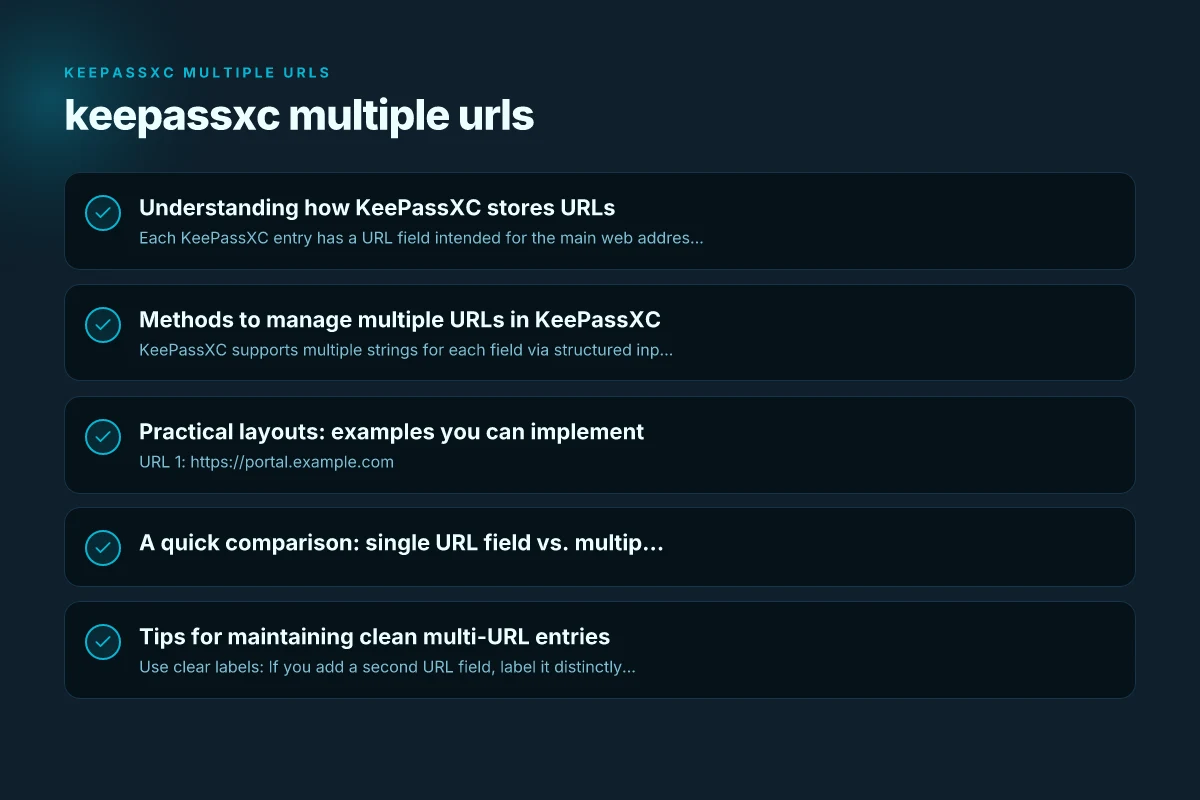
Methods to manage multiple URLs in KeePassXC
Advanced string field tricks
- KeePassXC supports multiple strings for each field via structured inputs or the advanced string format.
- You can embed multiple URLs in a single field using a delimiter or metadata, then use custom fields to extract or reference the primary link when needed.
- This approach is useful if you want to keep the entry compact but retain multiple link points.
Using multiple URL fields
- Some KeePassXC setups create a second URL-like field (or a custom field with a URL type) to store an additional address.
- You can label these fields clearly, for example:
- URL 1: https://portal.example.com
- URL 2: https://help.example.com
- This method keeps URLs separate and easy to locate in the entry’s UI.
Insert references and notes
- If you prefer not to clutter the URL fields, you can store extra URLs in the Notes or Attachments section and reference them from the entry.
- You can include:
- A short list of URLs with labels
- Quick directions on which URL to use for specific tasks
- This is ideal for teams that want to keep the main login URL clean but still have quick access to others.
Browser integration and URL handling
- KeePassXC-Browser (the browser extension) can work with multiple URLs by associating the correct browser action with the specific entry.
- In some cases, the integration may rely on matching the URL field to determine which login to fill, so the presence of multiple URLs requires careful labeling or selection logic.
KeePassXC and Advanced string usage
- Advanced strings allow you to store multiple URLs in a single entry and reference them via a script or extension.
- This can be a solution when you want to keep everything in one place but still access distinct addresses.
Practical layout options for multi-URL entries
| Layout option | How URLs stored | Pros | Cons | Best use case | Complexity |
|---|---|---|---|---|---|
| Separate URL fields | 2+ URL fields | Clear separation | More fields to manage | Cleanly separated URLs | Medium |
| URLs in a dedicated list field | One list field with URLs | One place to manage | Parsing required for some apps | Bulk management | Medium |
| URLs inside notes | Single notes field | Flexible formatting | Not structured for automation | Quick ad-hoc lists | Low |
Compiled November 2026; check the provider's site for current details.
Practical layouts: examples you can implement
Example A: two URL fields with clear labels
- URL 1: https://portal.example.com
- URL 2: https://support.example.com
- Notes: Use URL 1 for daily login, URL 2 for support access. Browser autotype can use URL 1, while you manually open URL 2 as needed.
Example B: URL field plus Notes for extras
- URL: https://portal.example.com
- Notes:
- Additional links:
- Help: https://help.example.com
- SSO: https://sso.example.com
Example C: using an advanced string delimiter
- URL (advanced): https://portal.example.com|https://help.example.com|https://sso.example.com
- Use a convention such as pipe (|) to separate links.
- When needed, copy the appropriate segment or build a small automation to extract the one you want.
A quick comparison: single URL field vs. multiple URLs vs. notes
| Method | Pros | Cons | Best use case |
|---|---|---|---|
| Single URL field | Simple; ideal for a single login URL | Not practical for more than one URL; may cause confusion in browser integration | Minimal multi-URL needs; only one primary site |
| Multiple URL fields | Clear separation; easy to pick the correct URL | Requires UI discipline; not all fields are obvious to first-time users | Teams or power users with frequent access to multiple sites per login |
| URL in Notes or custom fields | Very flexible; supports any number of links | Slower to access; searchability depends on how you format notes | Rare or occasional extra URLs; documentation and internal references |
| Advanced string in URL field | Keeps everything in one field; scalable | Requires consistent formatting and potential parsing | Advanced users who want compact entries with multiple links |
Tips for maintaining clean multi-URL entries
- Use clear labels: If you add a second URL field, label it distinctly (URL 2, URL 3, etc.) and include a short description in Notes for context.
- Be consistent with separators: If you store multiple URLs in the same field, decide on a delimiter (| or. Or >) and stick with it across all relevant entries.
- Use entries with templates: Create a template with pre-defined second URL fields for common sites, so you don’t miss adding a second link when creating a new entry.
- Leverage browser integration thoughtfully: Ensure your primary URL matches what your browser extension expects for auto-fill. Keep alternatives documented in Notes.
- Review and prune: Periodically review entries with multiple URLs to ensure all links are still valid and relevant.
Common questions and guidance
Can I use multiple URLs in KeePassXC’s URL field?
Yes, but it’s not always recommended. The default URL field is intended for a single address and browser integration relies on that URL for matching and loading. If you need multi-URL support, prefer separate URL fields or a well-structured Notes/Advanced String approach. Keepass versions
Is KeePassXC-Browser capable of handling multiple URLs in one entry?
KeePassXC-Browser is great for autotyping and auto-filling from URLs, but handling multiple URLs per entry is nuanced. Many users pair the URL field with a secondary URL or a notes section to maintain multiple access points.
What about third-party plugins or extensions?
Some community plugins or workflows can extend multi-URL handling, especially via advanced string usage. Always verify compatibility with your KeePassXC version and review security implications before enabling extensions. How to use binance convert for fast crypto swaps
If I have many credentials across sites, is there a better approach?
Consider creating separate entries for each site to leverage browser integrations fully and keep organization straightforward. Use entry references or tags to group related sites. If you must maintain a single entry for multiple URLs, keep a clean multi-URL strategy as described.
Decision guide: single URL field vs. multiple URLs vs. notes
| Decision factor | Single URL field | Multiple URL fields | Notes | Recommendation | Rationale |
|---|---|---|---|---|---|
| Number of URLs | 1 | 2+ | Any | Consider multiple fields | Keeps one per URL |
| Searchability | Moderate | High (field labels) | Low (text in notes) | Multiple fields or notes with headers | Easier to filter |
| Import/Export | Limited | Moderate | Full in notes | Use multiple fields or notes | Depends on target app |
| Maintenance effort | Low | Medium | Low to medium | Multi-field or notes if frequent edits | Balance structure vs. access |
| Backup compatibility | Good | Good | Good | Choose based on workflow | Standard KeePassXC behavior |
Compiled November 2026; check the provider's site for current details. How to find your saml entity id for seamless sso integration
Getting started with a practical setup
- Decide your primary workflow: Do you want a clean single URL field with a couple of backups, or do you need multiple primary URLs across entries?
- Pick a method per entry: Use multiple URL fields for critical sites. Reserve Notes for ancillary links. Or unify multiple URLs in an advanced string if you’re comfortable with parsing.
- Create a template: If you frequently need two or more URLs, build a template that includes URL 1, URL 2, and a Notes section with a brief description of each link.
- Document your approach: Add a short guide within your KeePassXC database (in a dedicated note or a shared document) so teammates understand how multi-URL entries are managed.
- Test with your browser: Ensure the browser extension can handle the primary URL cleanly, and verify that you can still access the secondary URLs from within KeePassXC.
Final recommendation
If you regularly manage multiple URLs per login, adopt a clear, repeatable structure. The easiest and most maintainable option is to use a dedicated second URL field (URL 2) for the second most important address and keep all ancillary links in Notes with explicit labeling. For more advanced needs, consider advanced string storage or a well-documented notes section. The goal is to minimize confusion, maximize quick access, and keep your KeePassXC entries tidy. Pair this with consistent templates and a short internal guide so everyone in your team or household knows how to use multi-URL entries effectively.